

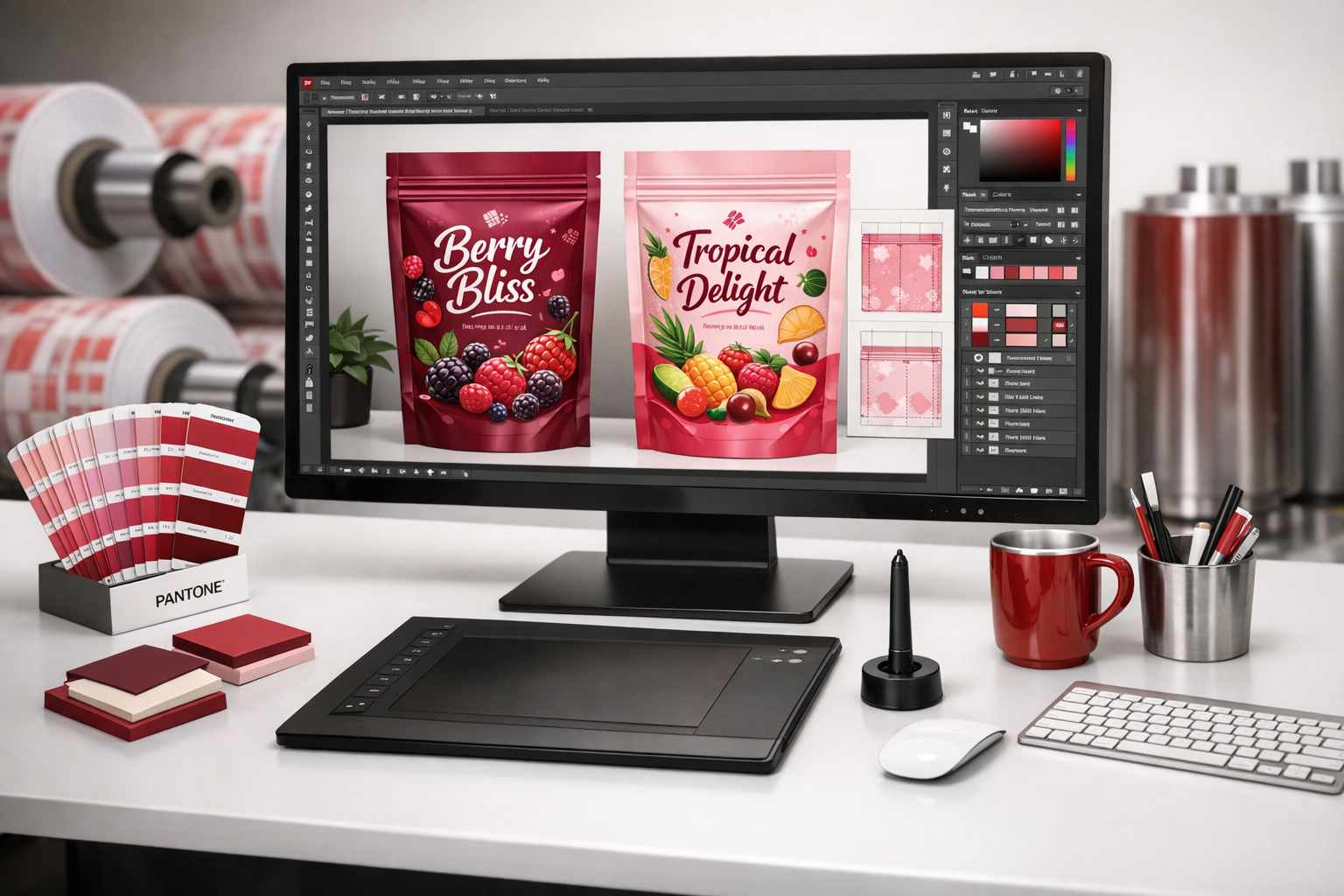
In today’s bustling Indian market, your product’s packaging is its first handshake with the customer. For leading brands in FMCG, food, agro, and pharma, making a great first impression is everything. This is where rotogravure printing shines, offering stunning, high-quality results for flexible packaging. But to get that perfect, eye-catching pouch for your spices, atta, or tea, the journey starts long before the printing press rolls. It begins with a perfectly prepared design file.
Getting your design file right from the start is absolutely crucial. Think of it as the blueprint for your packaging. A small mistake here can lead to costly delays and reprints. This guide will walk you through the essential steps, in simple terms, to ensure your design is ready for flawless high-resolution rotogravure printing.
First, What Exactly is Rotogravure Printing?
Rotogravure printing is a premium technique that uses an engraved metal cylinder to transfer ink onto packaging materials like plastic films and foils. Each colour in your design gets its own engraved cylinder. This method is perfect for large production runs because it delivers incredibly sharp details and consistent, vibrant colours every single time. This is why it’s the top choice for brands that cannot compromise on quality.
Because creating these engraved cylinders is a significant investment, it’s vital to get the design file 100% correct before production begins. There are no shortcuts here!
Step 1: Building a Strong Foundation – Setting Up Your Design File
The first step is to set up your digital canvas correctly. For rotogravure printing, using vector-based software like Adobe Illustrator is highly recommended. Vector files (like AI, EPS, or PDF) can be scaled to any size without losing quality, which is perfect for packaging.
One of the most important settings is the colour mode. Your design file should always be in CMYK (Cyan, Magenta, Yellow, Black) mode, as this is the colour model used in printing. Using RGB mode, which is for screens, can cause colour mismatches in the final product.
You may wonder why high resolution is so important for this process. For any images or raster elements in your design, a resolution of at least 300 DPI (dots per inch) is a must. Anything less will result in blurry or pixelated images, which can make even the best products look unprofessional on the shelf.
Key File Setup Checks:
- Bleed Area: Always include a ‘bleed’ area of 2-3mm around your design. This is extra space that extends beyond the final cut line, ensuring there are no unwanted white edges after trimming.
- Safe Zone: Keep all important text, logos, and graphics within a ‘safe zone’ inside the cut line. This prevents them from being accidentally chopped off.
- Fonts: Make sure to embed all fonts or convert them to outlines. This avoids any issues where the printer doesn’t have the same font, which could mess up your entire layout.
Step 2: The Art of Colour – Managing Colours and Gradients
Colour is what brings your packaging to life. For precise brand colour matching, using Pantone (spot) colours is often the best choice. However, for designs with photographs or multiple shades, CMYK is the standard.
Gradients can sometimes be tricky in rotogravure printing. To avoid ‘banding’ (visible steps in the colour transition), it’s best to keep them simple. Similarly, complex transparencies should be flattened to ensure they print exactly as you see them on screen. Before finalising, it’s a great practice to do a ‘soft proof’ on a calibrated monitor, but nothing beats discussing the colour possibilities with your printing partner.
Step 3: The Final Hurdle – Pre-Press Checks and Avoiding Common Pitfalls
Before you send your file to the printer, a final check, known as ‘pre-flighting’, is essential. This process scans your file for potential issues like missing fonts, low-resolution images, or incorrect colour modes.
Another technical but crucial step is ‘trapping’. This involves creating a tiny overlap between adjacent colours to prevent visible gaps if there’s a minor misalignment on the printing press. While many printers handle this, discussing it ensures a seamless final look.
Common Mistakes to Steer Clear Of:
- Forgetting the Bleed: This is a frequent error that results in unprofessional white borders.
- Using Low-Resolution Images: This compromises the quality and sharpness of your packaging.
- Ignoring Printer Specifications: Every printer has specific guidelines. Always ask for them and follow them closely to avoid delays.
- Skipping the Proof: Always, always review a digital or press proof. This is your last chance to catch any errors before thousands of units are printed.
How Tirupati Traders Can Help You Achieve Printing Excellence
At Tirupati Traders, we’re not just manufacturers; we’re your partners in creating outstanding packaging. We understand the nuances of rotogravure printing and are here to ensure your vision comes to life perfectly.
Our expertise ensures that your design files are prepared accurately for high-resolution printing, delivering premium results for your packaging needs. Here’s how we can assist:
- Expert Guidance on File Preparation: We’ll guide you in preparing design files that meet the highest rotogravure printing standards, covering everything from resolution and colour accuracy to file formats.
- Advanced Printing Technology: With our state-of-the-art printing technology, your logo and designs will pop, capturing consumer attention and adding immense value to your product.
- Custom Branding Solutions: We offer custom branding options to ensure your packaging aligns perfectly with your brand identity. For exceptional results, check out our premium services:
- High-Quality Plastic Pouch Packaging: Our solutions are tailored for FMCG brands, food manufacturers, agro, and pharma companies. We guarantee packaging that is durable, visually stunning, and highly functional.
Ready to create packaging that stands out? For more details or to discuss your specific needs, contact us at +91 7003213441. Let Tirupati Traders help you achieve professional, high-quality packaging with our expert rotogravure printing services.
Final Thoughts: Your Checklist for Rotogravure Success
Preparing design files for rotogravure printing is a detailed process, but it’s one that pays off handsomely in the final product. By focusing on high-resolution images, accurate colour management, and following technical specifications, you set yourself up for success. Remember to communicate openly and collaborate with your printing partner.
With the right preparation, your designs will translate into brilliant, high-quality packaging that protects your product and proudly represents your brand’s commitment to excellence.